WordPress maintenance guide
How much does WordPress maintenance cost per month?
If you maintain your website yourself, you pay with your time and carry the risk. That risk has grown considerably this autumn. We show what drives the price, why security is now the biggest cost factor and which prices are realistic for good maintenance.

Contents7 sections
Maintenance is insurance for your investment
A company website quickly costs several thousand euros to build. Add texts and photos, often campaigns too. And ideally enquiries come in through it every month.
Ongoing maintenance protects that investment. It is best compared with insurance. You pay a fixed amount each month. In return someone makes sure that the contact form still sends enquiries after an update, the shop stays online at the weekend and no stranger takes over the site.
It is also about responsibility. As the operator you are accountable for your website, even if an outdated plugin was to blame. If customer data from a form leaks, the GDPR usually requires you to notify the data protection authority within 72 hours.
An emergency repair after a hack quickly costs as much as a year of ongoing care. The individual tasks that ongoing care includes are described on our page about WordPress maintenance.
Why security is now the biggest cost factor
For a long time many site owners were fine installing updates once a month. Between a vulnerability becoming known and the first attacks there were often days or weeks. That buffer is gone. AI is an important reason.
AI tools find security gaps at a pace that did not exist before. The WordPress security team has received more than 3,000 reports in 2026, more than in the twelve years before. The same tools are available to attackers. October showed how fast things move then.
-
21 Oct 2026
PHP2Shell, a vulnerability in PHP
Two severe vulnerabilities in PHP, the technology underneath every WordPress website. All versions from PHP 5.4 are affected, and they were found with the help of AI. The patches came on 21 October, the first attacks the next morning. Wordfence counted more than 74,000 attack attempts on WordPress websites within a few days.
-
28 Oct 2026
Security update WordPress 7.1.4
An update for WordPress itself closes a gap in the update process. A little over three hours after the release Wordfence sees the first attack attempts. Within 21 hours there are more than 18,500.
-
Since July 2026
Seven security updates for the core
That many security updates for the WordPress core have been released since mid-July, four of them within 41 days. Each one has to be installed and tested.
Figures from Dr. Web (30 Oct 2026) with data from Wordfence and WordPress.org, plus reports on PHP2Shell from 22 Oct 2026.
A security update therefore has to be live within hours. Ideally before automated scans try the vulnerability on your site. If you look after your website yourself, you often notice nothing until it is too late.
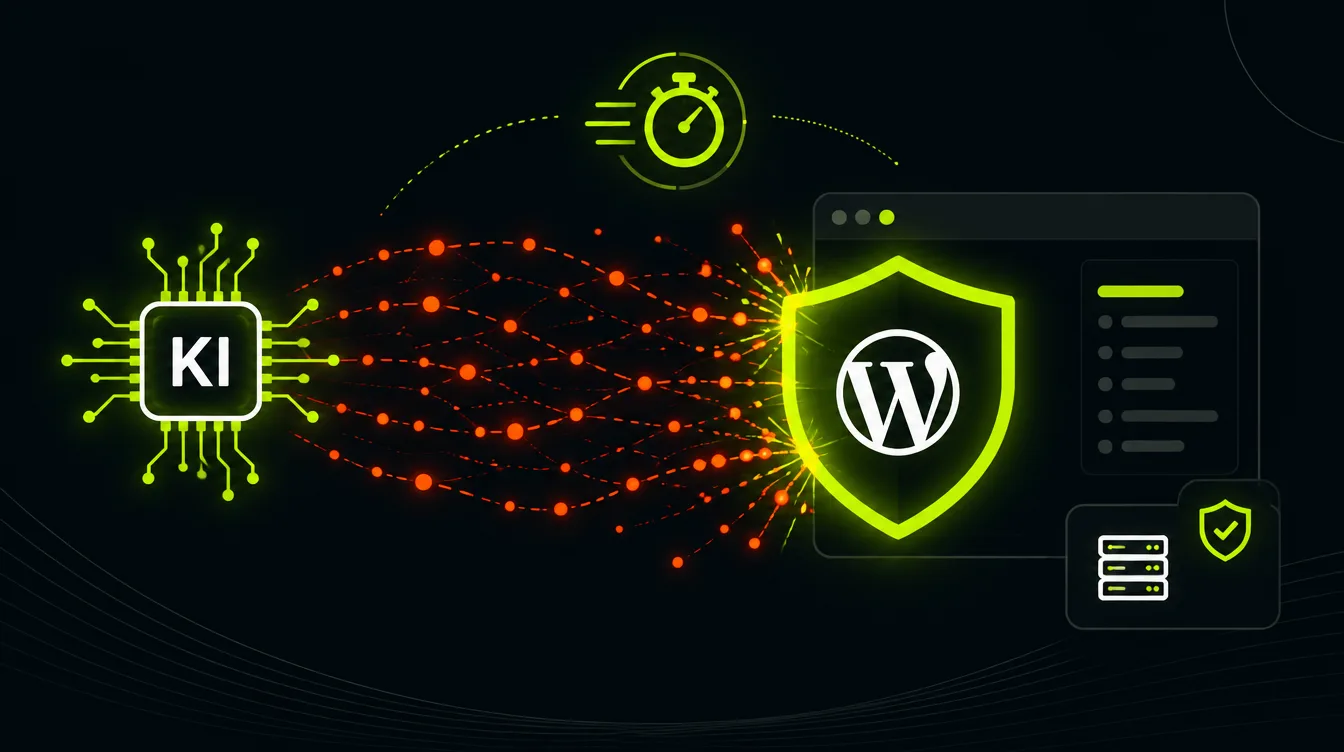
For our maintenance clients, firewall rules and virtual patching already take effect while we are still testing the actual update. How we additionally protect websites is described on our page about WordPress security.
From our practice
We know every installation before the next vulnerability arrives
We have been working with WordPress for more than twelve years and look after over 150 installations today. When a vulnerability becomes known, we do not first have to find out which plugins, which PHP version and which custom solutions run on a website. We know, because we look after these sites every day.
This context knowledge saves exactly the hours that matter in an emergency. We know where an update could break a form and where we need to test calmly first.
Malek ArabManaging Director, Pageworkers The five cost factors at a glance
Whether your maintenance costs €50 or €400 a month essentially depends on five points. The more of them are critical for your website, the higher the price.
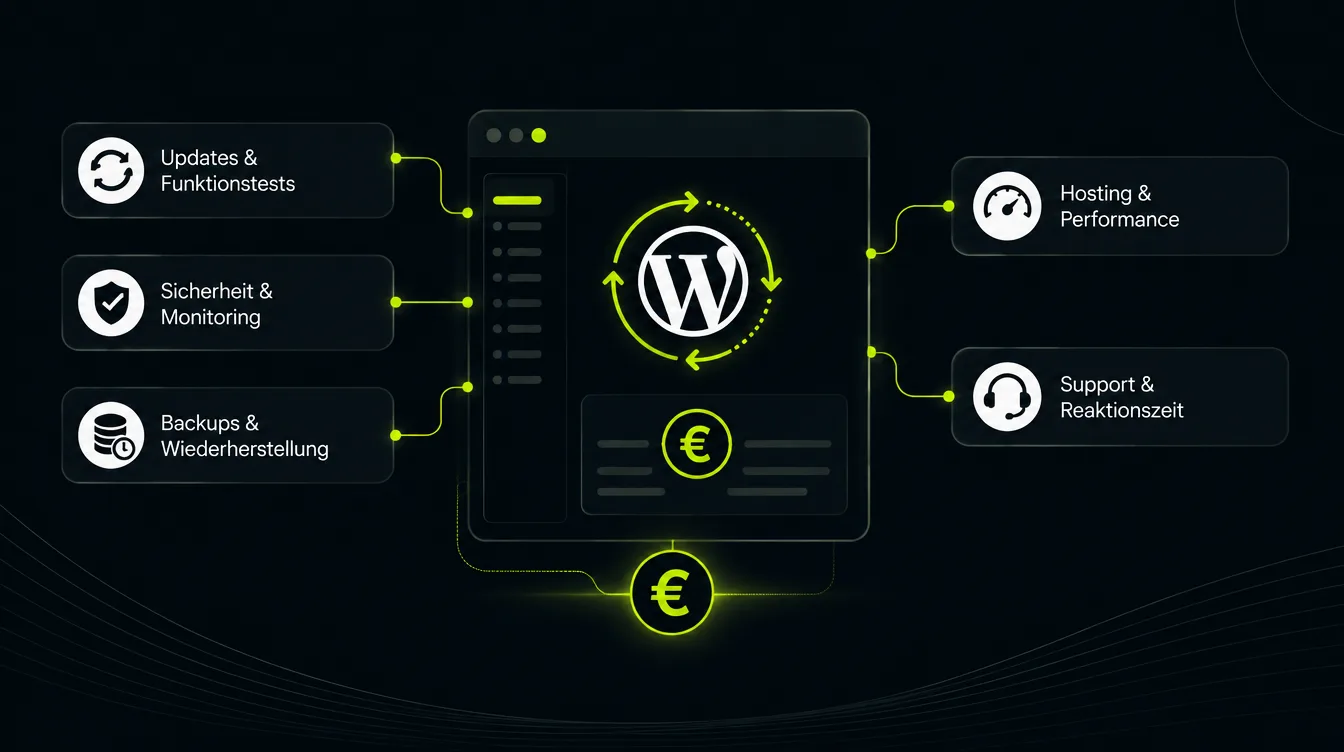
Security and monitoring
Firewall, malware scans and monitoring of known vulnerabilities. Plus virtual patching, meaning protection rules that block a vulnerability before the update is installed. The faster the response has to be and the more sensitive the data, the more it costs.
Cost drivers: response time for vulnerabilities, login areas, customer data, alerting
Updates and functional tests
WordPress, theme and plugins are updated, then we check forms, navigation, shop and tracking. With 10 plugins that is quick. With 40 plugins and custom code it takes considerably longer.
Cost drivers: number of plugins, custom development, staging before updates
Backups and restore
A backup only helps if it is current, stored off the server and can actually be restored in an emergency. Daily backups with tested restores cost more than a weekly plugin backup.
Cost drivers: frequency, storage location, retention, restore tests
Hosting and performance
Many maintenance contracts include hosting. A fast, managed server with caching and a current PHP version costs more than shared hosting. But it saves loading time and trouble. And the provider installs PHP security patches like the ones in October centrally.
Cost drivers: hosting included or external, traffic, shop, multiple languages
Support and response time
If you need a fix on the same day when something breaks, you pay for a team that is ready. On top come small changes to content or features, which many clients cover with a monthly hour budget.
Cost drivers: guaranteed response time, hour budget, dedicated contact
What does WordPress maintenance cost? The price overview
Most maintenance offers fall into one of four levels. The overview is based on our experience with more than 150 installations in our care and matches the prices that are common on the market for professional maintenance. All prices are net amounts per month, hosting is often included.
Basic
under €70/ month
Small websites without a shop that mainly need to stay secure and up to date.
- Updates of WordPress, theme and plugins
- Daily backups
- Uptime monitoring
Most popular
Business
€70 to €150/ month
Typical company website with forms, tracking and regular content.
- Everything in Basic
- Functional tests after every update
- Security monitoring and malware scans
- Performance hosting
Professional
€150 to €300/ month
Shops, multiple languages or many custom features.
- Everything in Business
- WooCommerce and integrations
- Shorter response times
- Small hour budget
Custom
from €300/ month
Business-critical systems with security hardening and a fixed retainer.
- Everything in Professional
- Security hardening
- Monthly hour account for further development
Typical prices for professional WordPress maintenance, net per month, as of November 2026. The classification per level is based on our experience.
Most company websites cost between €70 and €150 a month. With us these are mainly mid-sized companies, research institutes and associations whose websites are needed in day-to-day business.
Example calculation for maintenance by the hour
- Install updates and test functions
- 60 min
- Check backups and restorability
- 15 min
- Review security and malware check
- 20 min
- Check monitoring and loading time
- 15 min
- One small support request
- 30 min
- Effort per month, manual
- about 2.5 h
At typical agency rates of €90 to €130 net per hour, that would be €225 to €325 a month. Emergency updates for new vulnerabilities are not included yet.
From our practice
Why good maintenance still comes in below the hourly calculation
We look after more than 150 WordPress installations on our own servers. Updates, backups and scans run automatically and are monitored centrally. The functional tests afterwards are done by a person who knows the website.
This lowers the effort per website considerably, and we still do not cut corners on testing. Work outside maintenance is logged to the minute in an hour account. Nobody pays for flat fees they do not use.
Malek ArabManaging Director, Pageworkers Agency, freelancer or do it yourself?
Doing it yourself looks cheapest at first glance. There is no invoice. But the work and the risk stay with you. Both have grown with the new attacks.
Do it yourself
No invoice, full risk
- No ongoing service costs
- Full control over the website
- Security updates have to be live within hours, at night and at weekends too
- You are on your own when an update breaks something
- Liability and the duty to report a data leak are yours
Suits private projects without forms, customer data or revenue.
Freelancer
often €50 to €150 a month
- Personal contact
- Usually cheaper than an agency
- No cover during holidays or illness
- Hosting and security often not from one source
Works well as long as cover is arranged and the website is not business-critical.
For companies
Agency
€70 to €300 a month
- Team with cover and fixed response times
- Hosting, security and support from one source
- Documented work
- Higher base price than doing it yourself
The best choice when enquiries, applications or revenue come in through the website.
The pitfalls of doing it yourself
- Automatic updates run through, but nobody checks whether the form and shop still work afterwards
- The backup sits on the same server and is gone after a hack
- A security plugin reports a vulnerability at best, it does not close it
- PHP upgrades and plugin conflicts need experience, otherwise the site suddenly stops working
- Today there are often only hours between patch and attack
- After a hack you carry the clean-up, the downtime and a possible GDPR report yourself
Would you like to know what maintaining your website costs?
We check your installation free of charge and give you a fixed monthly price. Even if we did not build the website.
How to spot a good maintenance provider
Ask every provider these seven questions before you sign a maintenance contract.
- 1
How fast are security updates installed?
Ask within what time critical updates are installed and who responds at night or at the weekend. When vulnerabilities are attacked after a few hours, this is the most important question.
- 2
What exactly is included?
A list of services with updates, backups, security, monitoring and support. A vague “all-round care” is not enough.
- 3
Is the site tested after updates?
Automatic updates alone are not enough. Ask who checks that form, shop and tracking still work afterwards.
- 4
Where are the backups stored?
Backups belong on separate systems, not only on the same server. Ask when a restore was last tested.
- 5
Who covers during holidays?
Especially important with individuals. Who takes over when your contact is not available?
- 6
How is extra work billed?
Changes outside maintenance should be billed at a known hourly rate and documented in a traceable way.
- 7
How long does the contract run?
Check the notice period. If you switch, you must get all access data and backups back in full.
Warning signs in maintenance offers
- A fixed price without looking at your installation
- Automatic updates only, no functional tests
- Backups only on the same server
- No statement on how fast vulnerabilities are closed
- You do not get your own admin access
What is a fair price for WordPress maintenance?
For a typical company website, €70 to €150 a month is a realistic range for good maintenance with hosting, testing and a dedicated contact. Below that, functional tests or fast security updates are usually missing. Above that, a shop, integrations, short response times or an hour budget should explain the price.
In the end maintenance is a question of responsibility. You have invested money in your website, and it brings you enquiries and customers. Good maintenance protects both, just like insurance. More important than the lowest price is who responds when the next vulnerability becomes known. If your website brings in enquiries or revenue, professional WordPress maintenance is almost always cheaper than the first outage.
FAQ
Frequently asked questions about WordPress maintenance costs
How much does WordPress maintenance cost per month?
For a typical company website the costs are usually between €70 and €150 net per month. Simple websites are available for under €70. Shops and websites with integrations or short response times cost €150 to €500.
Why has maintenance become more important because of AI?
AI tools find vulnerabilities faster than ever. The WordPress security team has received more than 3,000 reports in 2026, more than in the twelve years before. New vulnerabilities are now often attacked a few hours after the patch. Updating once a month is therefore no longer enough.
Is a security plugin not enough?
A firewall plugin is a good building block. But it does not replace updates or someone who responds to a warning. For a vulnerability in the WordPress core or in PHP, only the right update helps. And it has to be installed quickly.
Is hosting included in the maintenance costs?
That depends on the provider. Many of our contracts already include fast hosting on our own servers. So always compare offers with and without hosting.
Are automatic updates not enough?
Automatic updates keep the software current. But they do not check whether forms, shop or tracking still work afterwards. For websites that bring in enquiries or revenue, functional tests after every update are part of the job.
What does a one-off WordPress repair cost?
We bill repairs by effort, because the cause is rarely known in advance. A hacked or badly outdated website can mean several hours of work. Afterwards ongoing maintenance usually pays off.
Read more
More on WordPress care
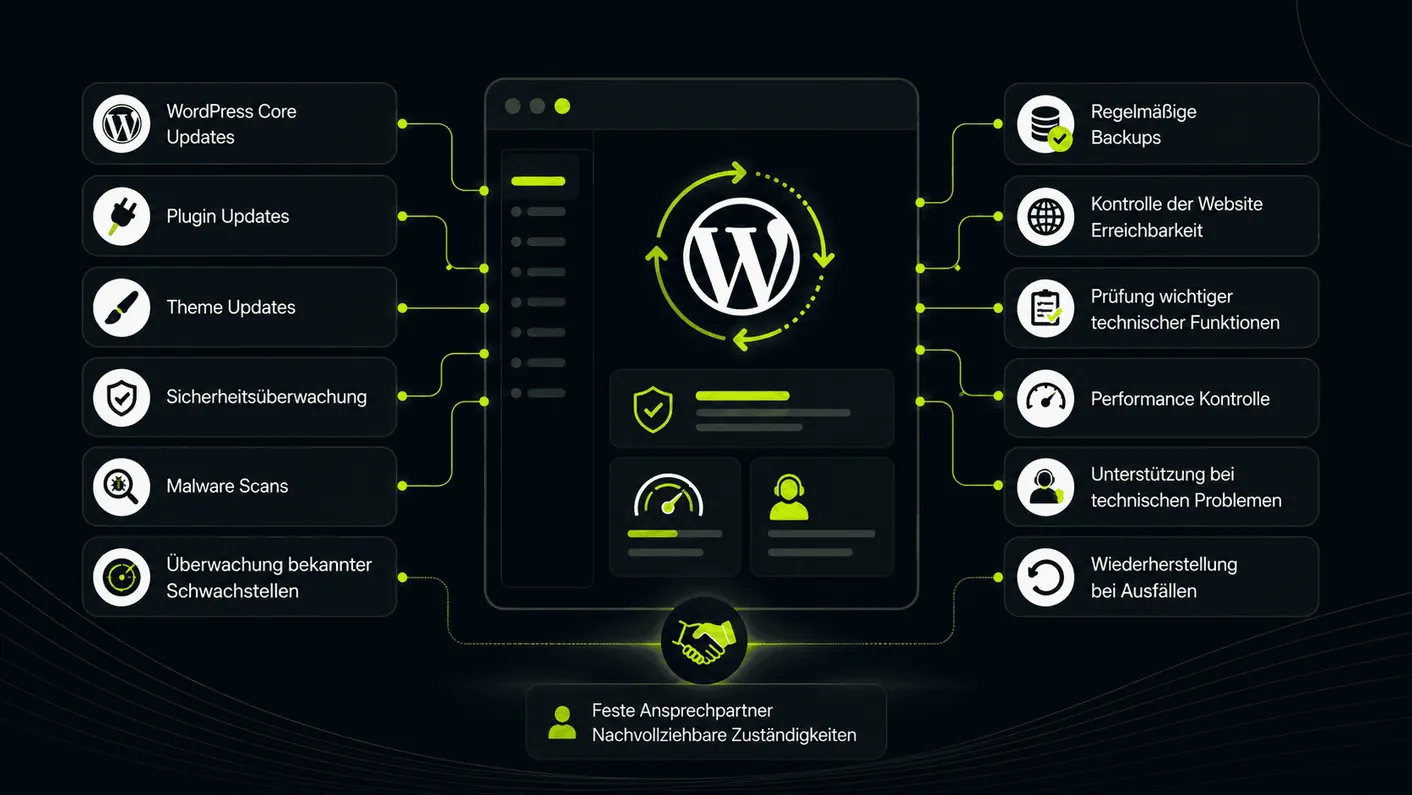 Service
WordPress Maintenance
Updates, backups, monitoring and support with a dedicated contact. Learn more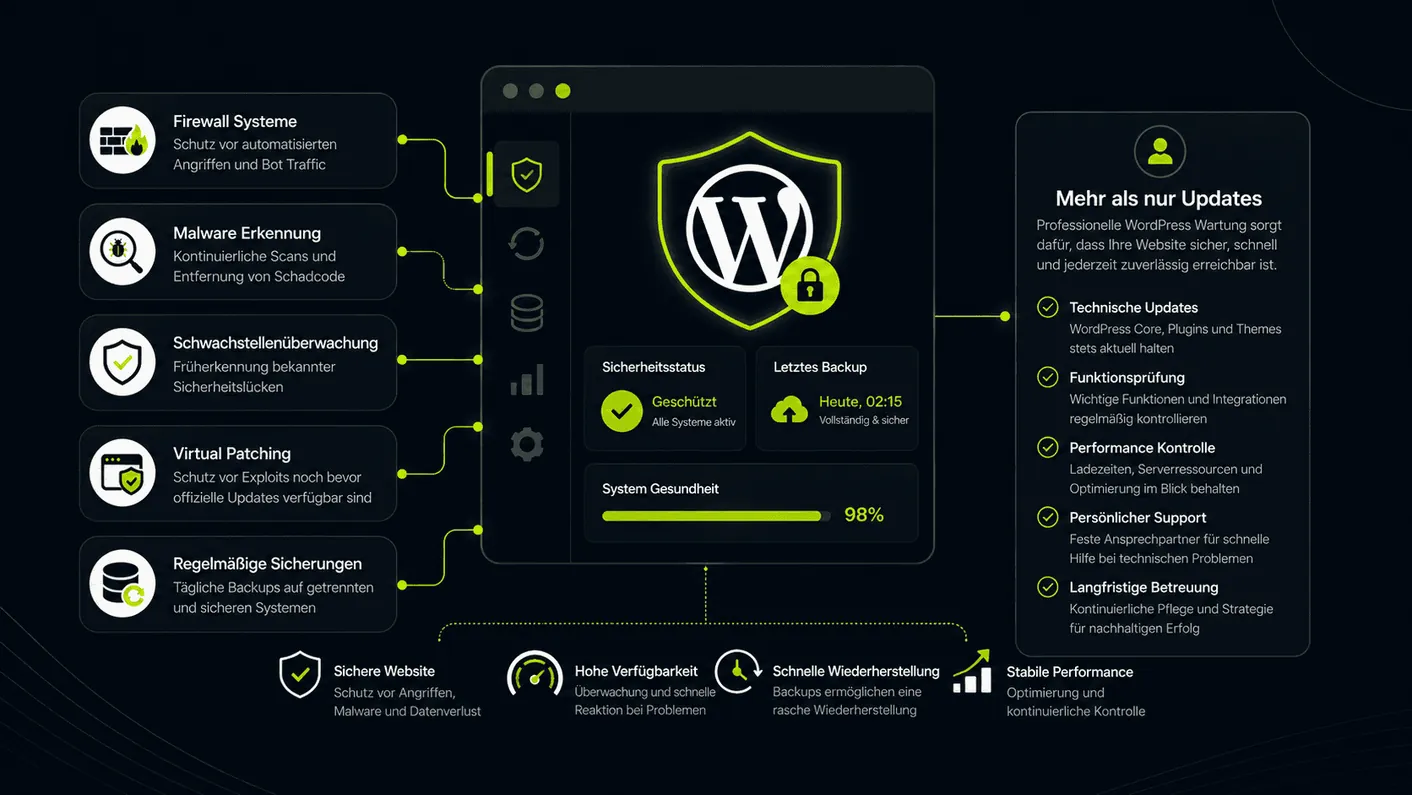 Service
WordPress Security
Security audit, firewall, malware protection and virtual patching. Learn more Service
WordPress Agency
New WordPress websites that load fast and are easy to maintain. Learn moreFree maintenance check
We check your WordPress website and give you a fixed price
In 15 minutes we go through what your installation needs. Then you get an offer without surprises.